













h5gamenova
TikTok Instagram Facebook CapCut - Video Editor YouTube Duolingo - Language Lessons Google Maps Netflix Disney+ Threads Telegram Messenger
Widgetshare

Widgetshare

★★★★☆ 4.5
Updated
Mar 8, 2023
Developer
App Developer
OS
iOS / Android
Category
App

What do you think of this app?

Widgetshare screenshot 1 Widgetshare screenshot 2 Widgetshare screenshot 3 Widgetshare screenshot 4 Widgetshare screenshot 5 Widgetshare screenshot 6 Widgetshare screenshot 7 Widgetshare screenshot 8 Widgetshare screenshot 9 Widgetshare screenshot 10 Widgetshare screenshot 11 Widgetshare screenshot 12
Advertisement

Good App Guaranteed:This app passed the security test for virus, malware and other malicious attacks and doesn't contain any threats.

Description:

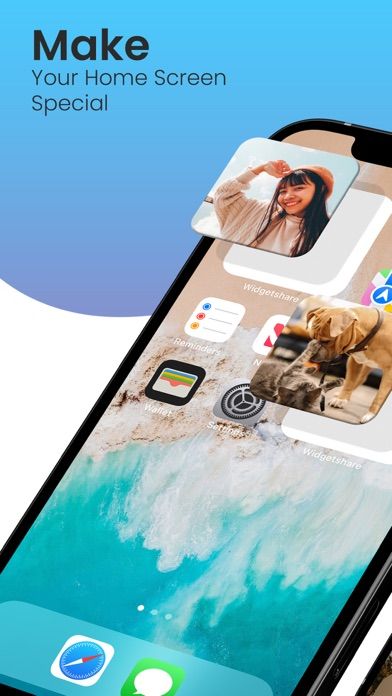
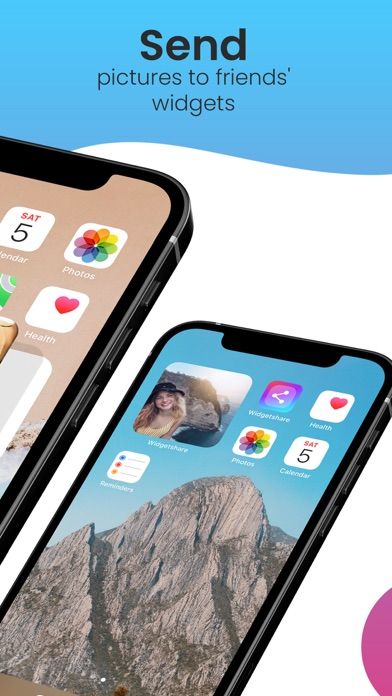
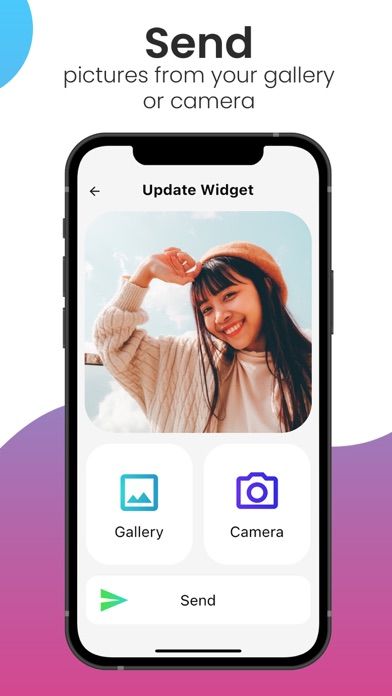
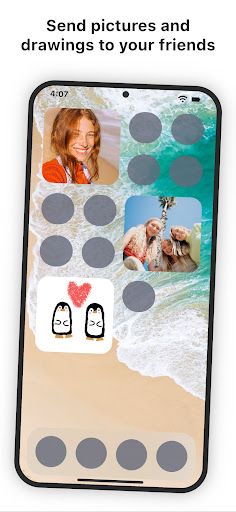
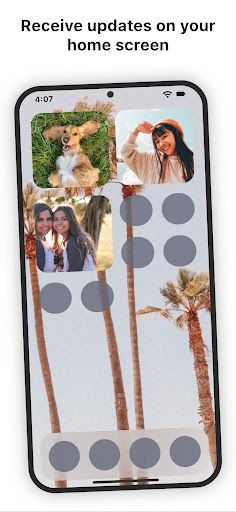
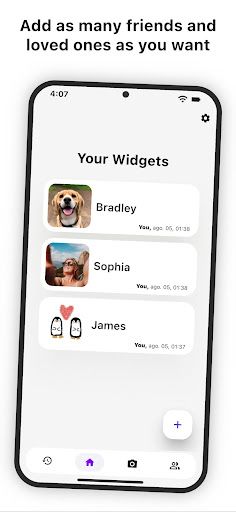
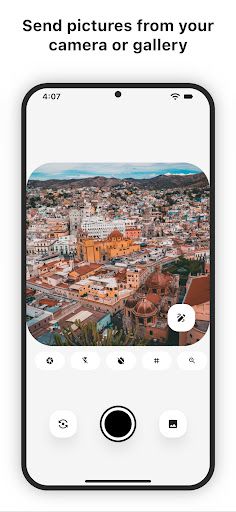
Share the Magic of Widgets with Widgetshare! Imagine being able to share a little piece of your day with someone you care about, instantly, right on their home screen! With Widgetshare, every time you update your widget with a new picture, it magically changes for everyone else who shares it too. It's like having a tiny photo album that you can update anytime, and it’s always in sync with your friends and loved ones.

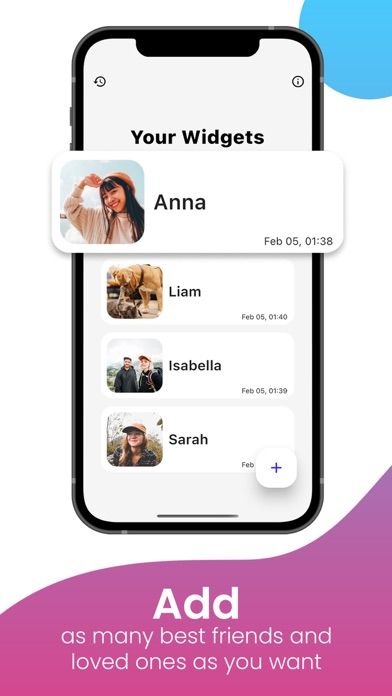
Why You’ll Love Widgetshare: Stay Connected: Create different widgets for all the important people in your life. Fill your home screen with their photos, and let them do the same with yours. It’s a fun and simple way to keep in touch, no matter how far apart you are.

Cross-Platform Magic: Widgetshare works on both iOS and Android, so you can share your moments with anyone, regardless of what phone they use. It’s all about staying connected, without the tech barriers.

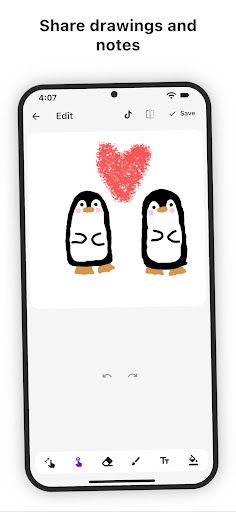
Creative Fun: Not just a photo? Feeling artsy? Use the built-in drawing tools to create something unique and share it instantly. Who knows, you might just start a mini art gallery right on your home screen!

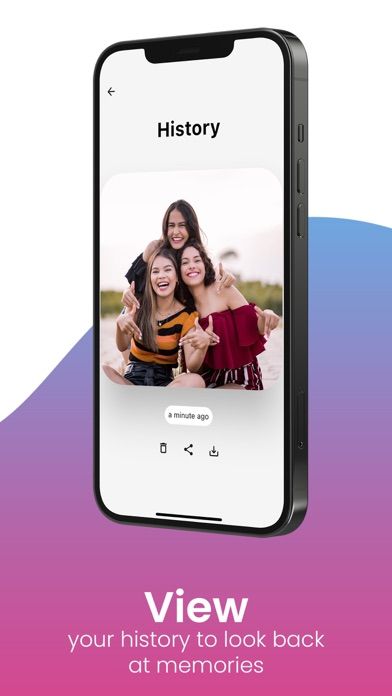
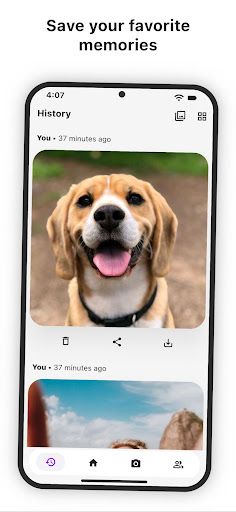
Memory Lane: Miss a picture? No worries! Visit the history page to see all the recent photos sent to your widgets. You can even download your favorites to keep forever.


How to use:

  1. How to Play with Widgetshare:
  2. Create a Widget: Open the app and create a new widget. This will generate a unique Widget ID that you’ll need to share.
  3. Share the Widget ID: Send the Widget ID to your friend or loved one so they can add it to their app too.
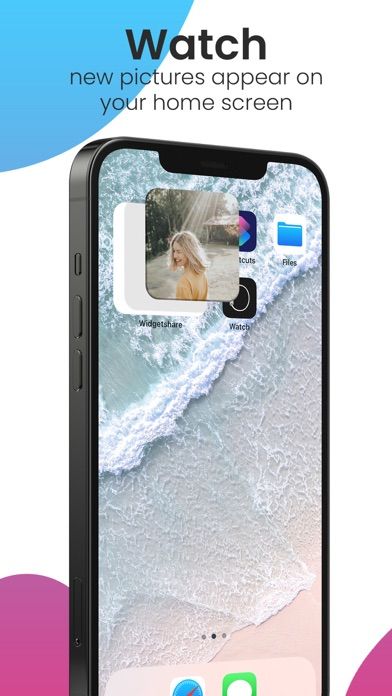
  4. Add to Home Screen: Once both of you have the widget set up, add it to your home screen. Now, every time one of you updates it with a new picture, it will instantly appear on the other’s home screen!
  5. Keep Sharing: Keep the magic going by updating the widget with new photos or drawings throughout the day. It’s a fun and spontaneous way to stay connected!
  6. We’re constantly working on new features and improvements, so if you run into any issues, feel free to reach out to us at [email protected]. Thanks for choosing Widgetshare—we hope it brings as much joy to your day as it does to ours!
  7. Supported Languages:
  8. English

Get the app

Leave a comment

Comments (0)

● iOS◆ Android
Version:
1.0.0
1.0.0
Size:
150MB
150MB
Price:
Free
Free
Released:
Jan 1, 2022
Jan 1, 2022
Updated:
Mar 8, 2023
Mar 8, 2023
Advertisement

Fun online games

Notion Evernote Microsoft Excel Microsoft PowerPoint Microsoft Word Google Drive Headspace Venmo Lyft Airbnb Starbucks Dropbox: Secure Cloud Storage LinkedIn Zelle Robinhood Orangetheory Fitness Booking













