














Description:
Telegram is a pure instant messaging app that offers a simple, fast, and secure experience across all your devices. With over 800 million active users, it is one of the world's top 10 most downloaded apps.
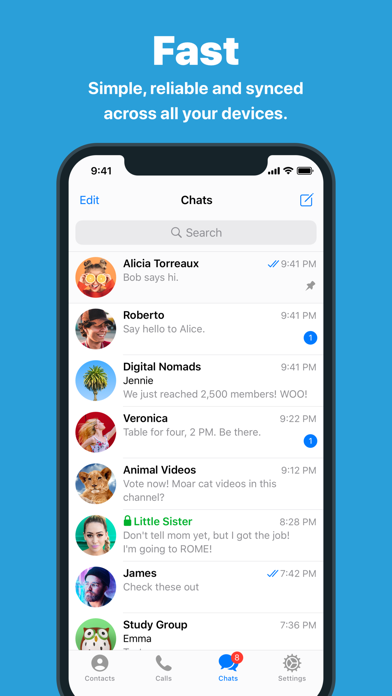
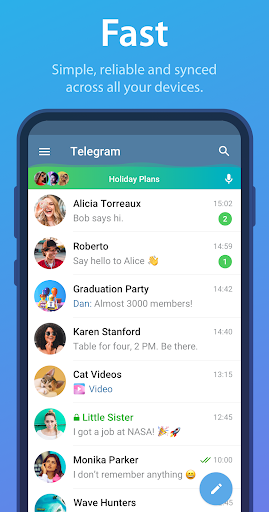
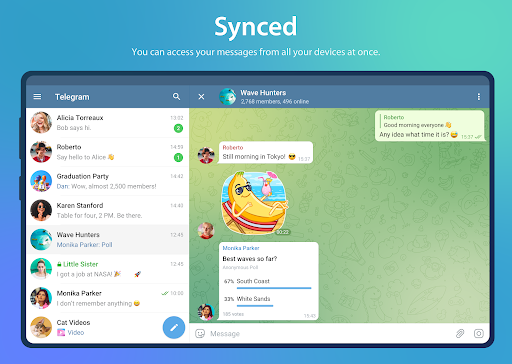
What sets Telegram apart is its speed. It is the fastest messaging app on the market, thanks to its unique distributed network of data centers globally. You can access your messages seamlessly from all your phones, tablets, and computers, and even start typing on one device and finish on another without losing any data.
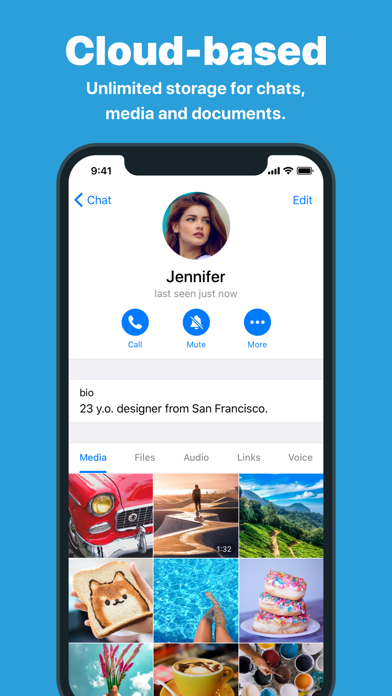
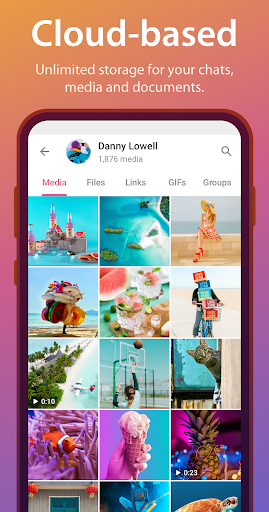
The app also offers unlimited sharing capabilities. You can send media and files of any type and size without any restrictions. Plus, all your chat history is securely stored in the Telegram cloud, requiring no disk space on your device.
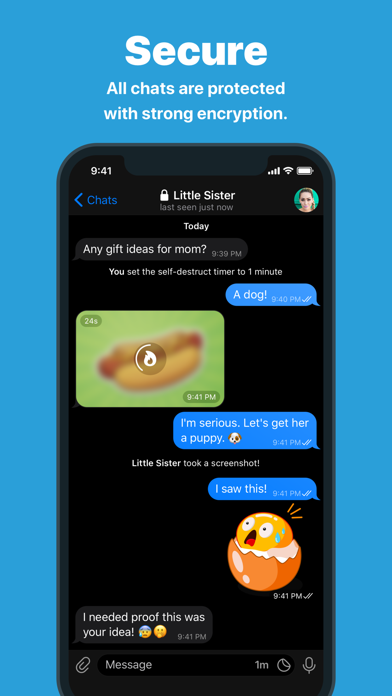
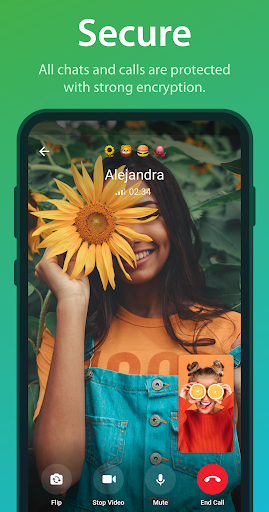
Security is a top priority for Telegram. All chats, groups, and media are encrypted using a combination of advanced encryption technologies. This includes 256-bit symmetric AES encryption, 2048-bit RSA encryption, and Diffie–Hellman secure key exchange.
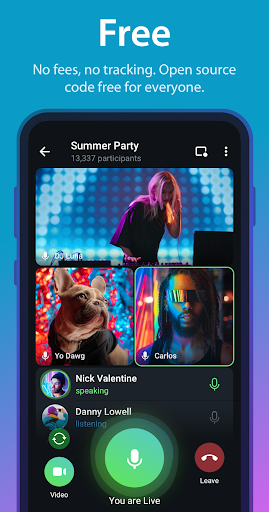
Telegram is not only free but also open. It provides a fully documented API for developers, allowing them to create their own apps and verifiable builds. This ensures transparency and authenticity.
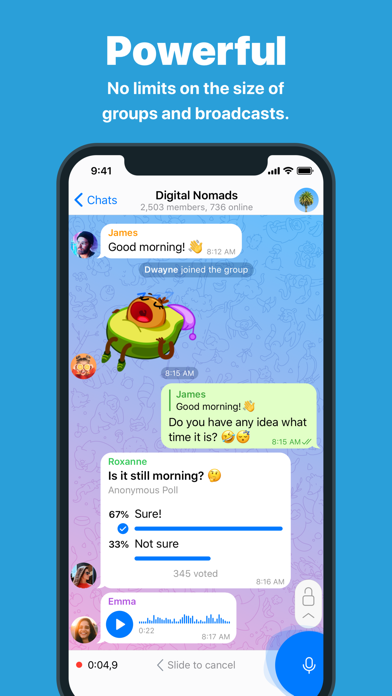
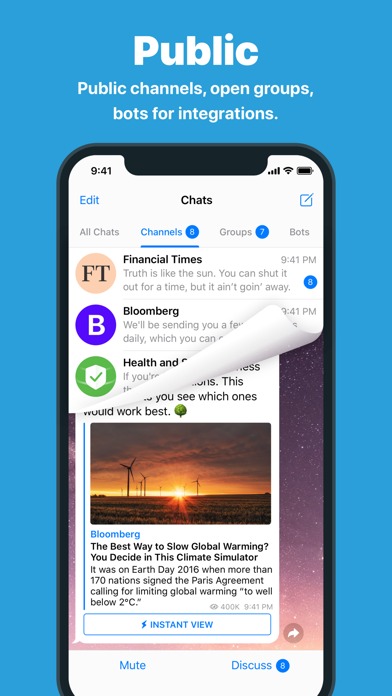
The app is powerful and versatile. You can create group chats with up to 200,000 members, share large files up to 2 GB each, and even set up bots for specific tasks. It's an ideal tool for hosting online communities and coordinating teamwork.
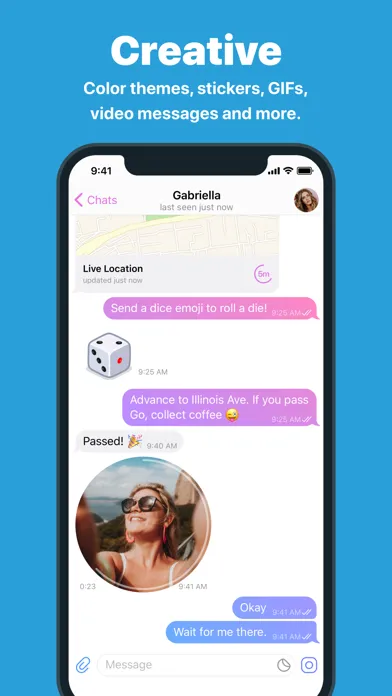
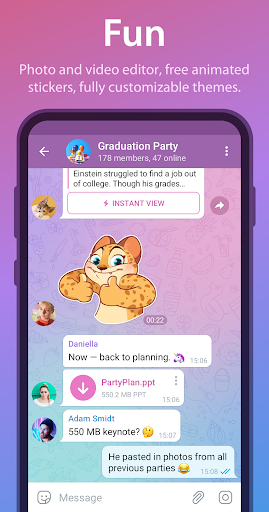
Telegram is incredibly reliable, delivering messages efficiently even on weak mobile connections. It also offers a range of fun features, such as photo and video editing tools, animated stickers and emoji, customizable themes, and a platform for stickers and GIFs.
Despite its extensive features, Telegram maintains a clean and intuitive interface. It's so simple to use that you'll immediately feel familiar with it.
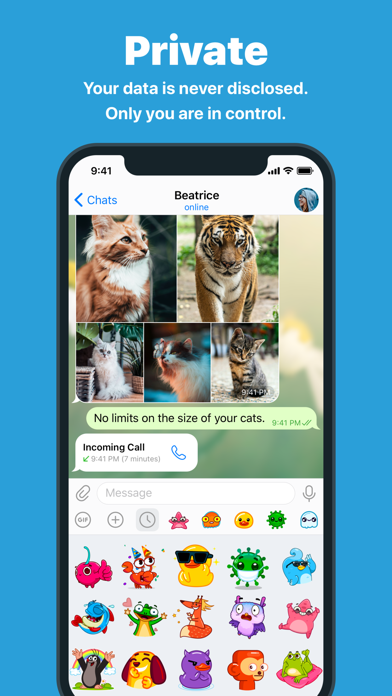
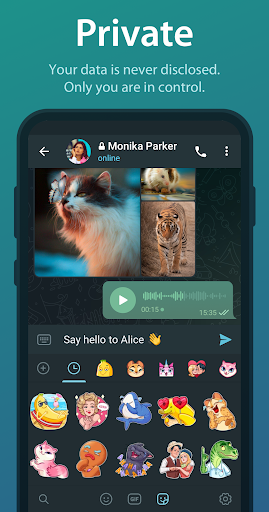
Privacy is a fundamental principle of Telegram. Your data is kept strictly confidential, and third parties do not have access to it. You can delete any message you sent or received, leaving no trace. Additionally, Telegram offers Secret Chats with self-destructing messages and end-to-end encryption for maximum privacy.
As Telegram continues to push the boundaries of messaging apps, you won't have to wait years for other platforms to catch up. Join the revolution today and experience the unmatched capabilities of Telegram.















