












Description:
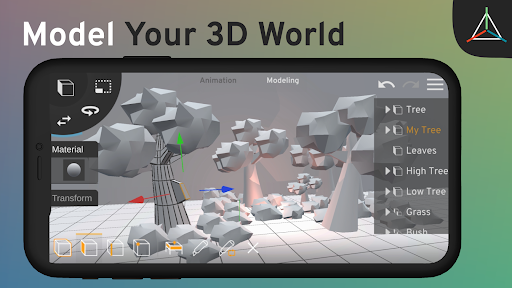
Prisma3D is a powerful and versatile Android app designed for users who want to explore the world of 3D modeling and animation. Whether you're a beginner or an experienced designer, Prisma3D provides all the tools you need to create stunning 3D models, animations, and scenes right from your mobile device. With an intuitive interface and a comprehensive set of features, Prisma3D allows you to bring your creative visions to life, whether you're designing game characters, creating CGI graphics, or producing animated videos.
Key Features:
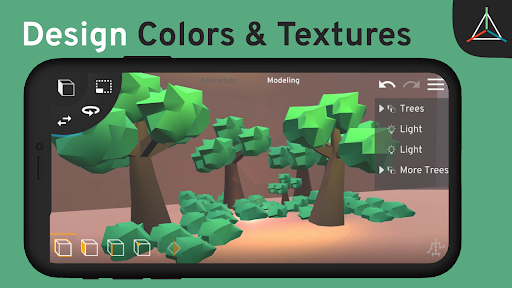
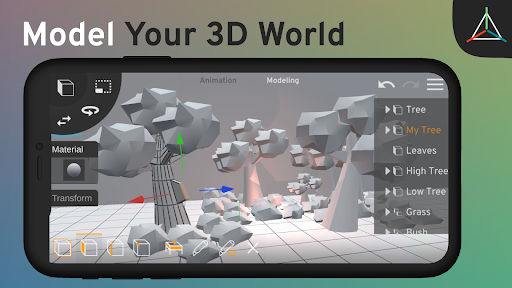
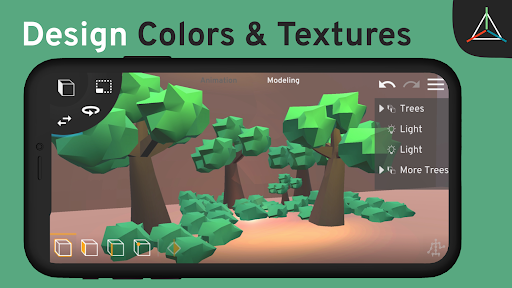
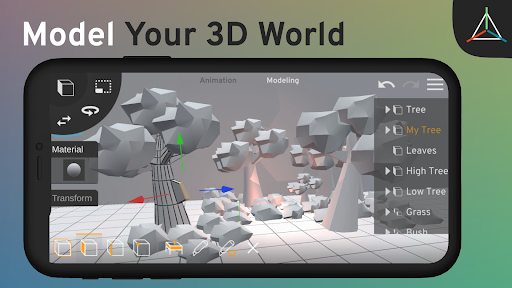
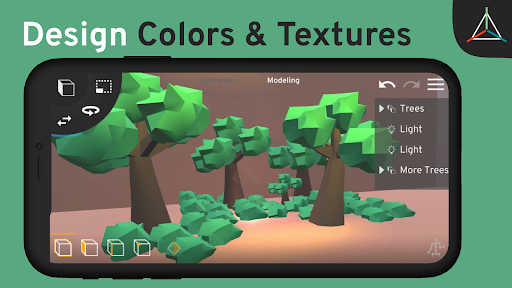
3D Modeling Tools: Prisma3D offers a wide array of 3D modeling tools, allowing you to create and manipulate 3D objects, models, lights, and cameras. You can digitally draw, sculpt, and design 3D textures, colors, and even 3D text for logos and intros.
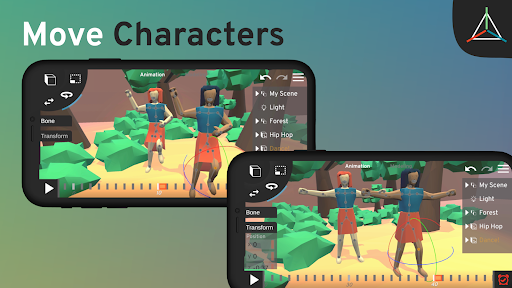
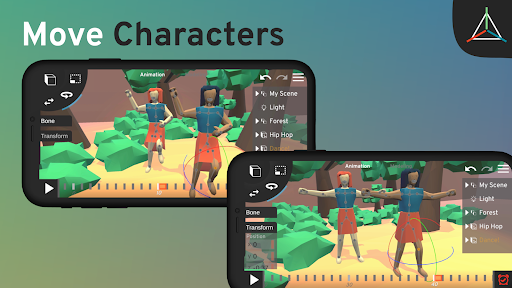
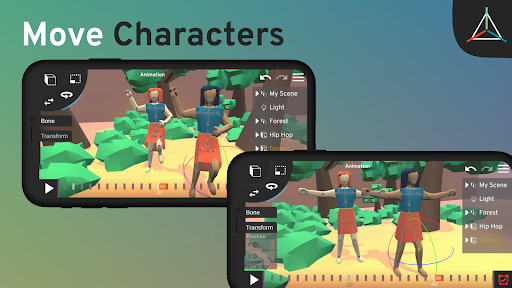
Animation Capabilities: The app provides robust animation features, including a timeline and keyframe system that enables you to animate objects with precision. You can create complex animations, rig and skin models, and apply motion graphics and visual effects to your scenes.
Import/Export Flexibility: Prisma3D supports a variety of 3D file formats, allowing you to import and export models from other popular 3D software like Maya, Blender, and Cinema4D. This makes it easier to integrate your Prisma3D projects with other tools in your workflow.
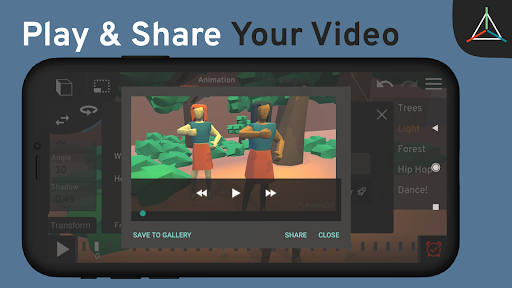
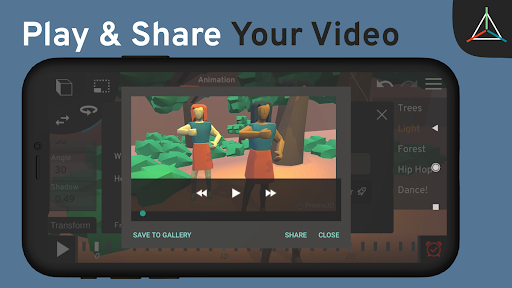
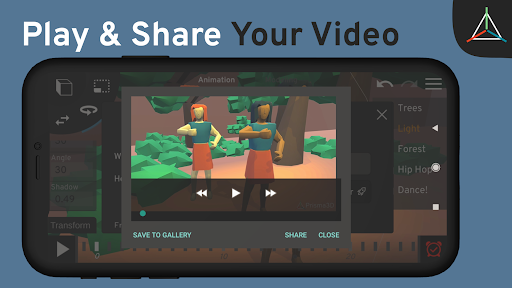
Social Media Integration: Once you've created your 3D animations, Prisma3D makes it easy to render videos quickly and share them directly on social media platforms like YouTube and TikTok.
Community and Support: Prisma3D boasts a vibrant community of users who have shared thousands of videos online. You can join the community on their website, prisma3d.net, to connect with other creators, get inspired, and report any bugs, as the app is still in beta.
Why Choose Prisma3D?
Prisma3D is ideal for anyone interested in 3D design and animation, offering a rich set of features that cater to both beginners and advanced users. Its ease of use, combined with powerful modeling and animation tools, makes it a must-have app for creating high-quality 3D content on the go.















