














h5gamenova
TikTok Instagram Facebook CapCut - Video Editor YouTube Duolingo - Language Lessons Google Maps Netflix Disney+ Threads Telegram Messenger
Pedometer - Step Counter App

Pedometer - Step Counter App

★★★★☆ 4.5
Updated
Mar 8, 2023
Developer
App Developer
OS
iOS / Android
Category
App

What do you think of this app?

Pedometer - Step Counter App screenshot 1 Pedometer - Step Counter App screenshot 2 Pedometer - Step Counter App screenshot 3 Pedometer - Step Counter App screenshot 4 Pedometer - Step Counter App screenshot 5 Pedometer - Step Counter App screenshot 6 Pedometer - Step Counter App screenshot 7 Pedometer - Step Counter App screenshot 8 Pedometer - Step Counter App screenshot 9 Pedometer - Step Counter App screenshot 10 Pedometer - Step Counter App screenshot 11 Pedometer - Step Counter App screenshot 12 Pedometer - Step Counter App screenshot 13 Pedometer - Step Counter App screenshot 14
Advertisement

Good App Guaranteed:This app passed the security test for virus, malware and other malicious attacks and doesn't contain any threats.

Description:

Pedometer - Step Counter App: Track Your Steps and Boost Your Activity

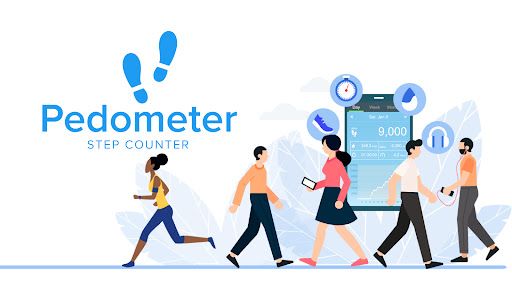
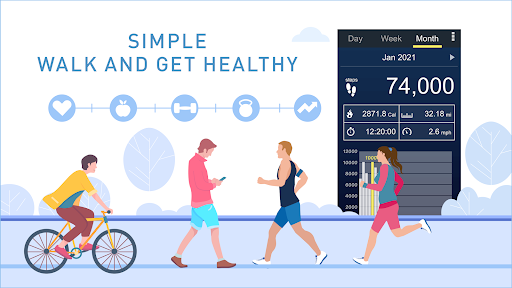
The Pedometer - Step Counter App is designed to help you monitor your daily steps and encourage a more active lifestyle. Whether you're aiming to reach specific fitness goals, maintain a healthy routine, or simply increase your daily movement, this app provides an easy and effective way to track your steps, distance, and calories burned.

Key Features:

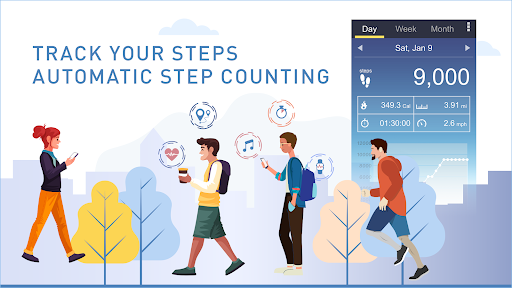
Automatic Step Counting: The app automatically tracks your steps throughout the day using your smartphone’s built-in sensors. There’s no need for GPS or additional devices, making it simple to monitor your activity levels.

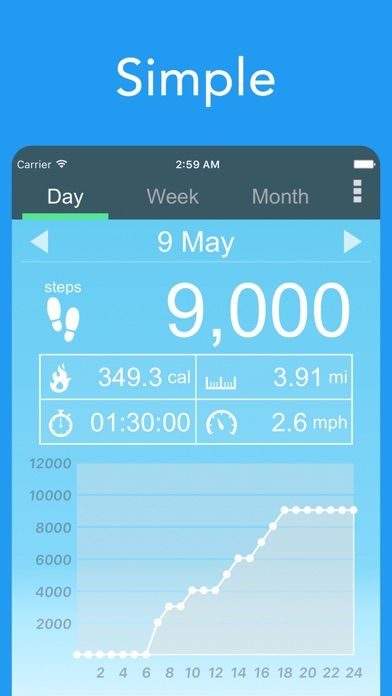
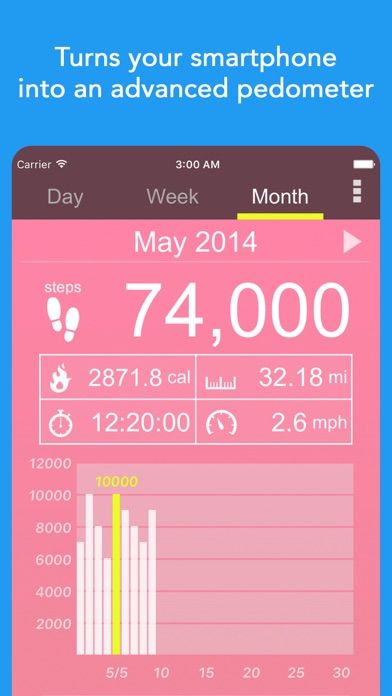
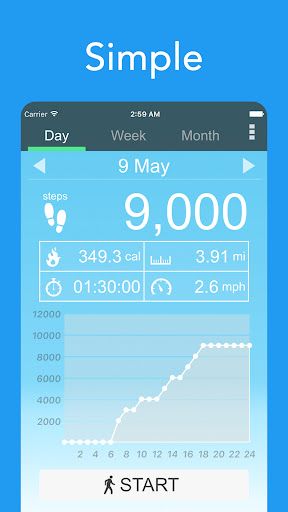
Calorie and Distance Calculation: In addition to counting your steps, the app calculates the distance you’ve walked and the calories you’ve burned, giving you a complete overview of your daily physical activity.

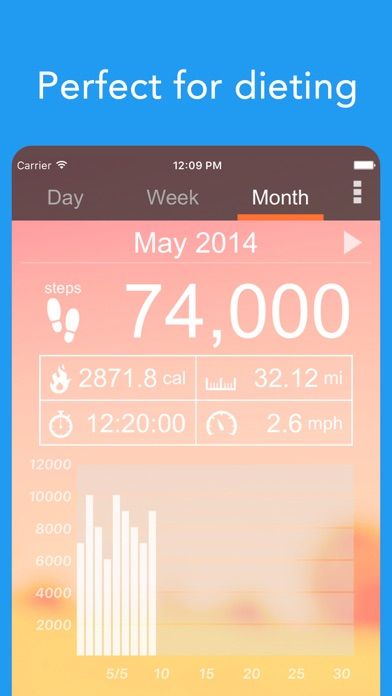
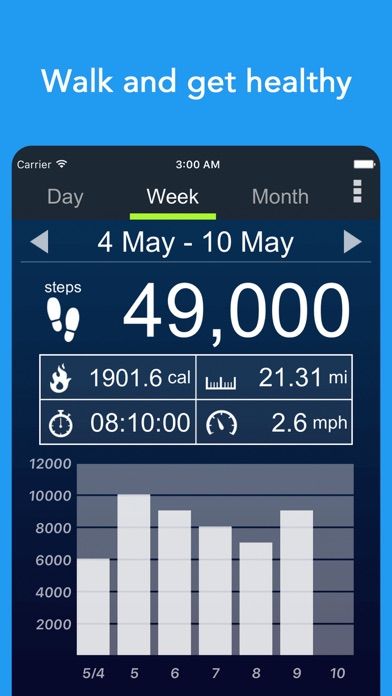
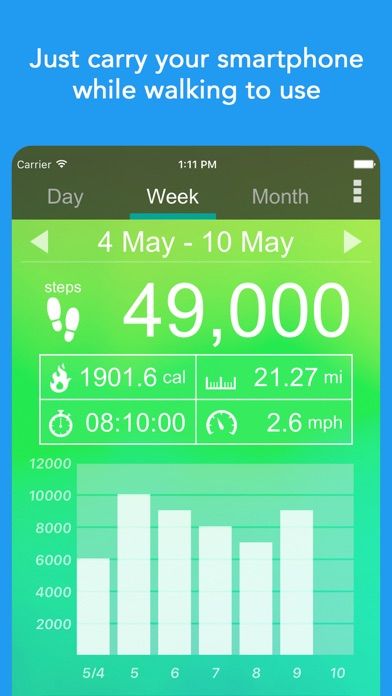
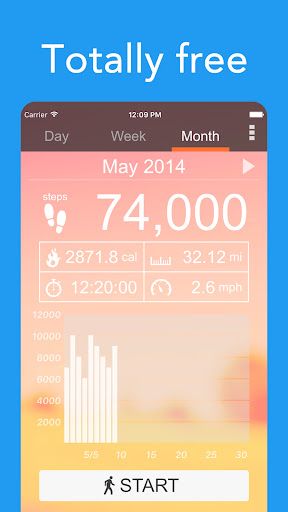
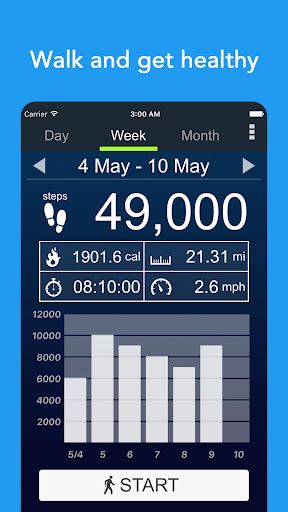
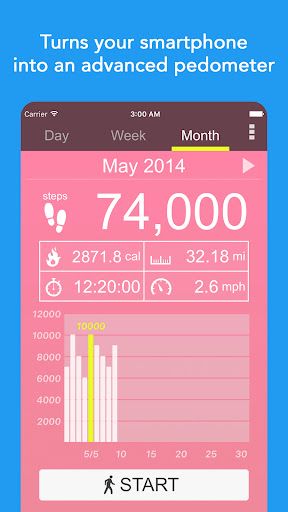
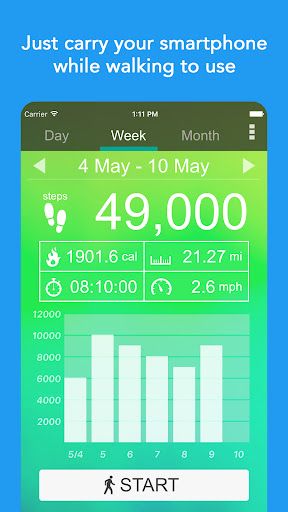
Daily Goals and Progress Tracking: Set personalized daily step goals and track your progress over time. The app provides detailed reports that allow you to monitor your activity on a daily, weekly, and monthly basis.

User-Friendly Interface: The app features an intuitive and easy-to-use interface that displays your step count, distance, and calories burned at a glance. The simple design ensures that you can quickly check your stats and stay motivated.

Customizable Settings: Adjust the app’s settings to suit your personal preferences. You can set your daily step goal, choose between miles or kilometers for distance tracking, and customize the units for calorie tracking.


How to use:

  1. Download and Set Up:
  2. Start by downloading the Pedometer - Step Counter App from the Google Play Store or App Store. Once installed, open the app and grant the necessary permissions, such as access to your phone’s motion sensors. The app will automatically begin tracking your steps without requiring any additional setup.
  3. Set Your Daily Step Goal:
  4. Navigate to the settings or goals section of the app to set your daily step target. Whether you aim for 10,000 steps a day or another personalized goal, input your desired target, and the app will track your progress toward this goal.
  5. Monitor Your Activity:
  6. Keep your smartphone with you throughout the day, and the app will continuously count your steps and update your progress in real-time. Check the main screen to see your current step count, distance covered, and calories burned.
  7. Review Your Progress:
  8. At the end of each day, or whenever you want, review your activity data in the history or progress section of the app. The app provides daily, weekly, and monthly summaries, allowing you to track trends and see how consistent you’ve been with your activity levels.

Get the app

Leave a comment

Comments (0)

● iOS◆ Android
Version:
1.0.0
1.0.0
Size:
150MB
150MB
Price:
Free
Free
Released:
Jan 1, 2022
Jan 1, 2022
Updated:
Mar 8, 2023
Mar 8, 2023
Advertisement

Fun online games

Notion Evernote Microsoft Excel Microsoft PowerPoint Microsoft Word Google Drive Headspace Venmo Lyft Airbnb Starbucks Dropbox: Secure Cloud Storage LinkedIn Zelle Robinhood Orangetheory Fitness Booking













