













Description:
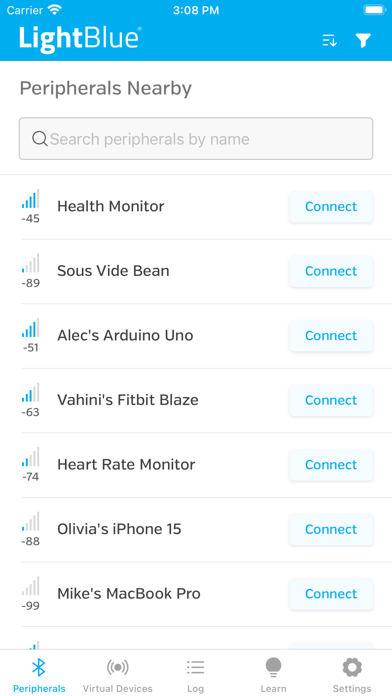
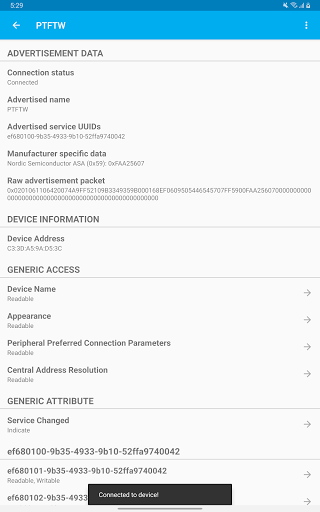
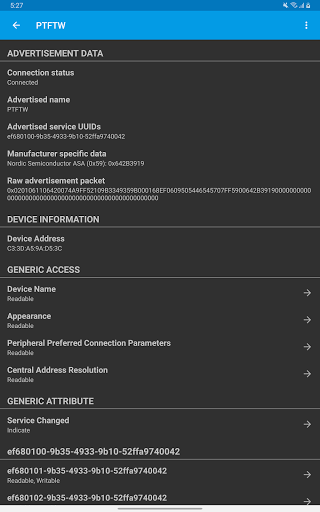
LightBlue is a versatile mobile application that enables users to connect to and interact with devices using Bluetooth Low Energy (BLE), also known as Bluetooth Smart or Bluetooth Light. With LightBlue, you can effortlessly scan, connect to, and browse any nearby BLE device, making it an essential tool for both casual users and developers working on BLE firmware. The app offers full support for reading, writing, and notifying, simplifying the process of developing and testing BLE devices. Additionally, LightBlue allows you to view the signal strength (RSSI) in real-time, which is particularly useful for locating lost BLE devices such as Fitbits.
Key Features:
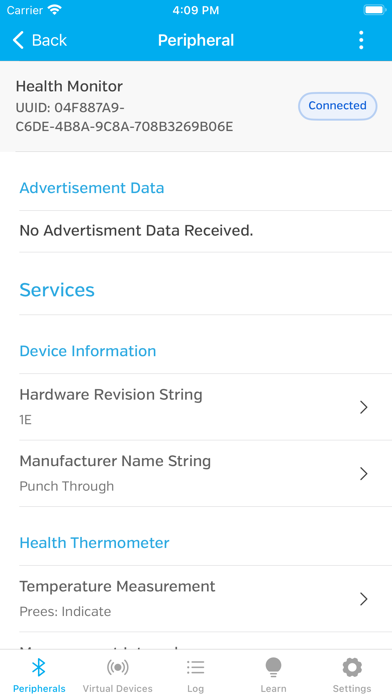
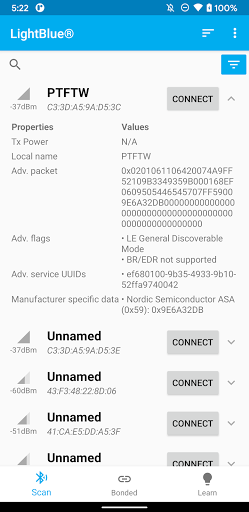
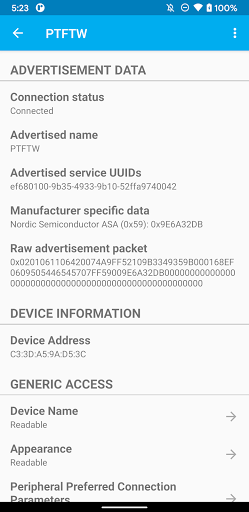
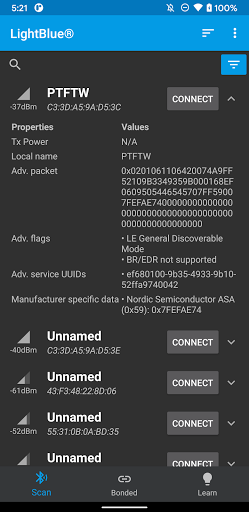
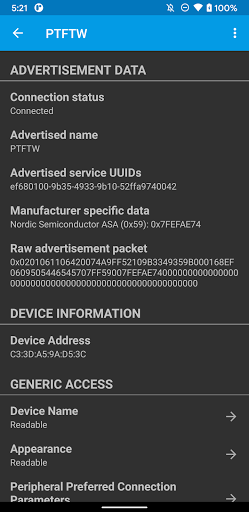
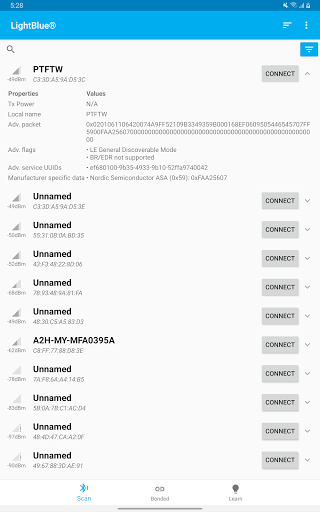
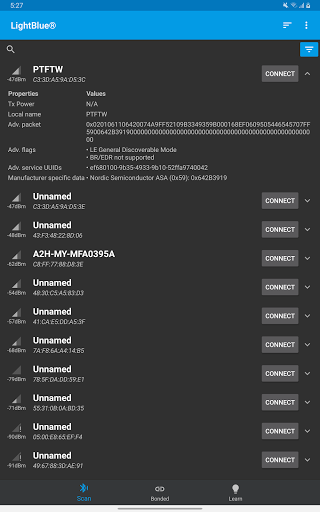
BLE Device Scanning and Connection: Easily scan for and connect to any nearby BLE devices. LightBlue provides a user-friendly interface for browsing and interacting with these devices.
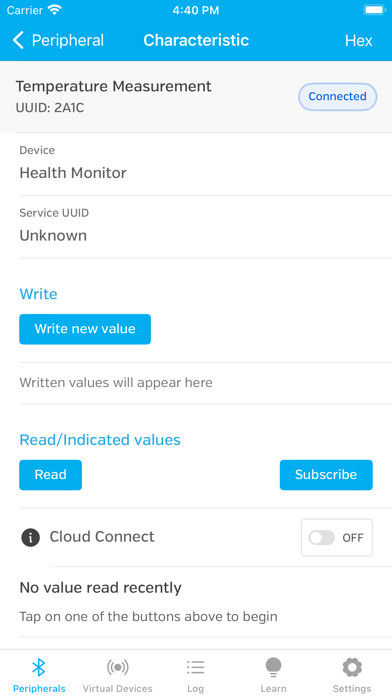
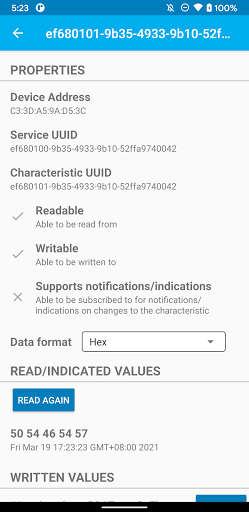
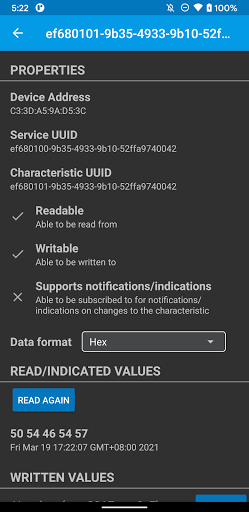
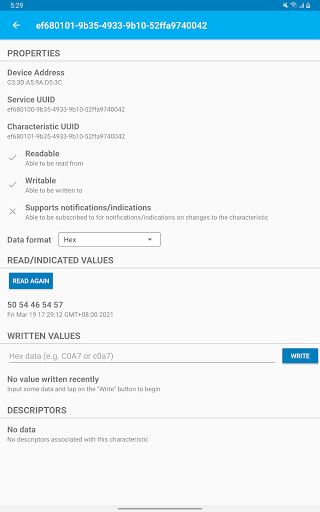
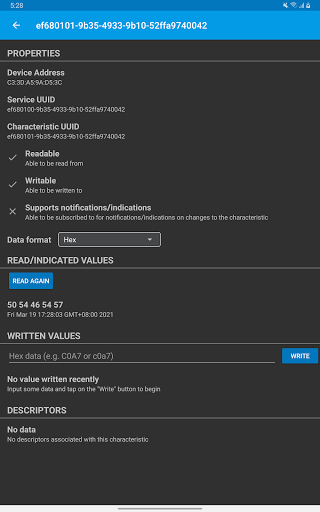
Full Read, Write, and Notify Support: LightBlue supports all BLE operations, including reading, writing, and notifying, making it an ideal tool for BLE firmware development and testing.
Real-Time Signal Strength (RSSI) Monitoring: Monitor the signal strength of connected BLE devices in real-time. This feature is invaluable for locating devices or understanding the proximity of your BLE peripherals.
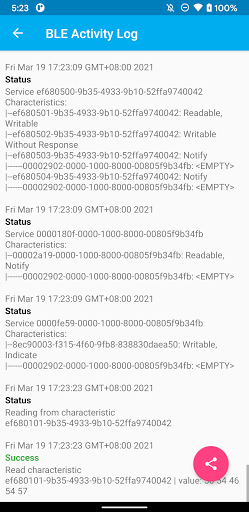
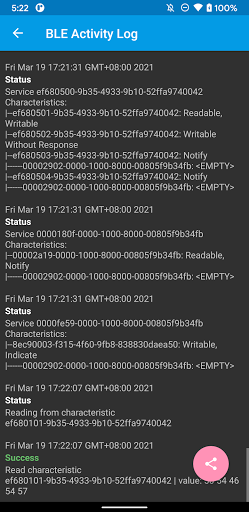
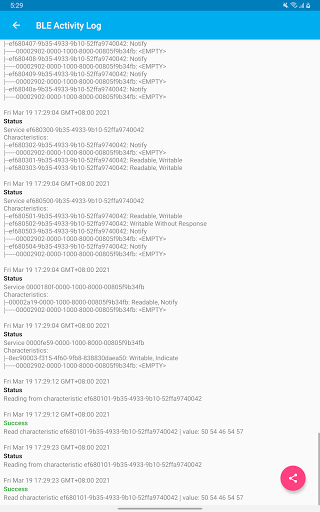
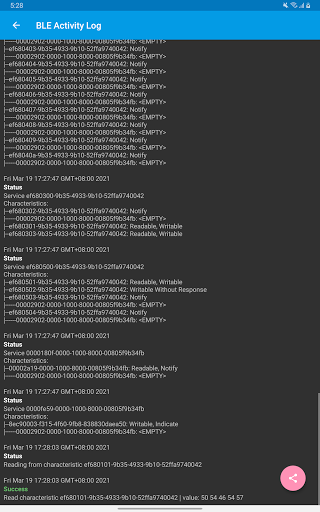
Logging Feature: Keep track of all significant BLE events, such as device discovery, connection, reading, and writing. This feature is particularly helpful for developers who need to analyze the behavior of their BLE devices.
Compatibility with Various BLE Devices: LightBlue can be used to test a wide range of BLE devices, including heart rate monitors, temperature sensors, and development kits like the TI CC Keyfob, Nordic uBlue, and Panasonic PAN.
Developer-Friendly: LightBlue is an excellent tool for developers looking to test and debug the firmware of their BLE peripherals. The app provides comprehensive features that simplify the development process.
Why Choose LightBlue?
LightBlue is an indispensable tool for anyone working with BLE devices, from developers testing firmware to users trying to locate lost peripherals. With its comprehensive feature set, including full read, write, and notify support, real-time RSSI monitoring, and detailed logging, LightBlue makes it easy to connect to and manage BLE devices. Whether you're developing new BLE hardware or just trying to find your lost Fitbit, LightBlue offers the tools you need to get the job done.















