













Description:
Interval Timer: Optimize Your Workouts with Precision Timing
Maximize the effectiveness of your workouts with Interval Timer, the app designed to help you keep track of your exercise and rest periods with precision. Whether you're doing high-intensity interval training (HIIT), circuit training, or any other workout that requires timed intervals, Interval Timer provides a simple and reliable way to stay on track and get the most out of your exercise routine.
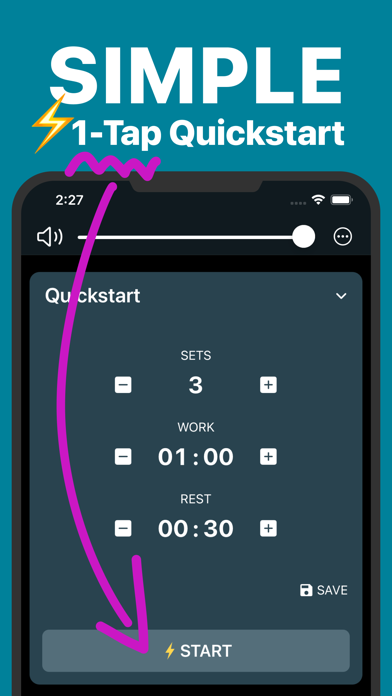
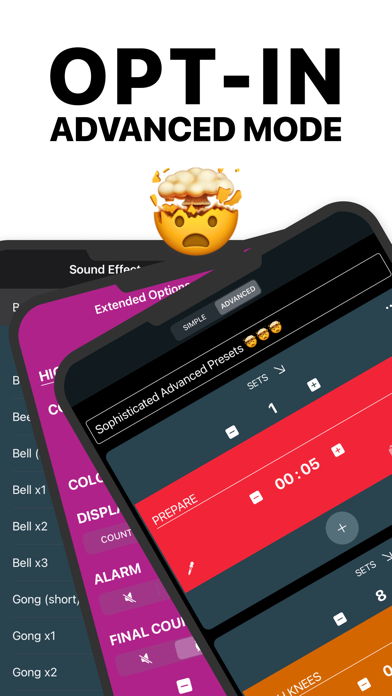
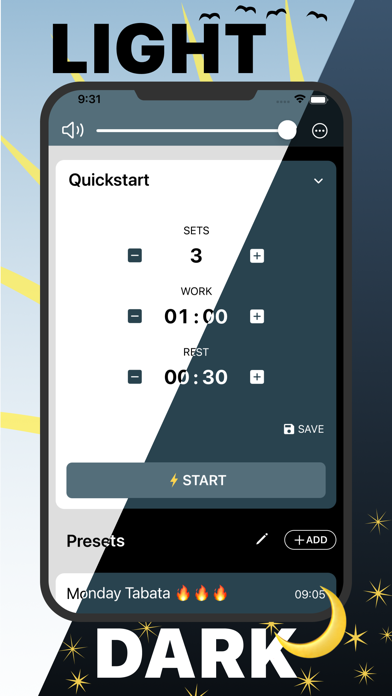
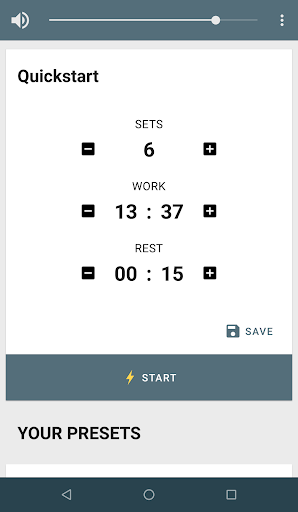
Customizable Interval Training: Set up custom workout and rest intervals based on your specific needs, allowing you to tailor your sessions for optimal results. Create and save multiple interval routines for different types of workouts, from HIIT to strength training, ensuring that you’re always ready to go.
User-Friendly Interface: Enjoy a clean, intuitive interface that makes it easy to set up and start your workout intervals in just a few taps. Adjust your intervals quickly and easily, whether you're in the middle of a workout or planning your next session.
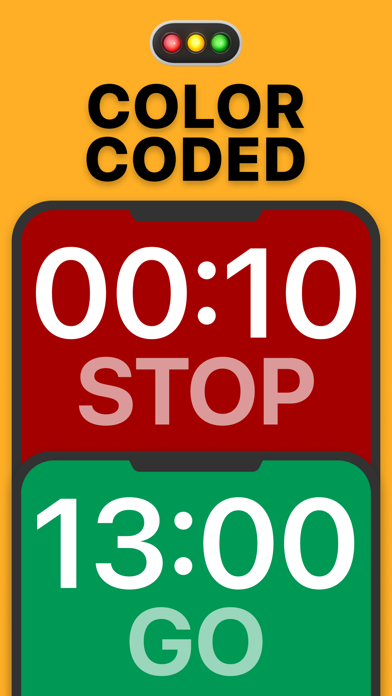
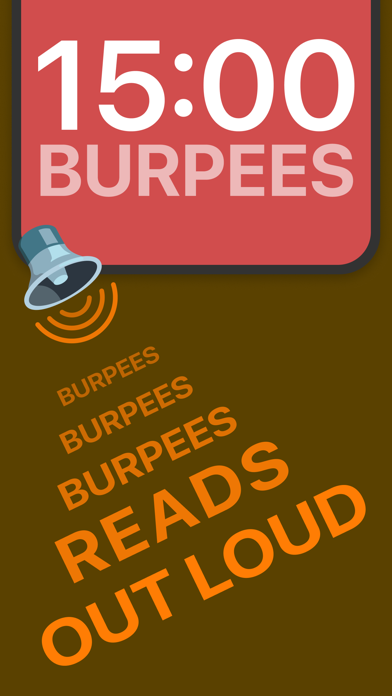
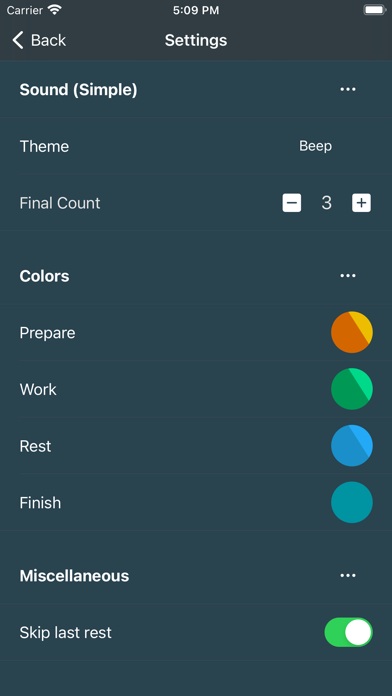
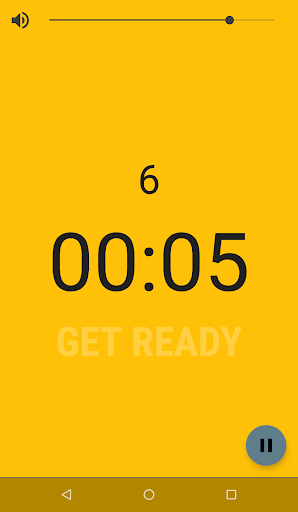
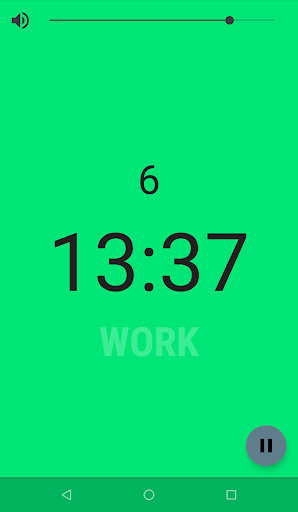
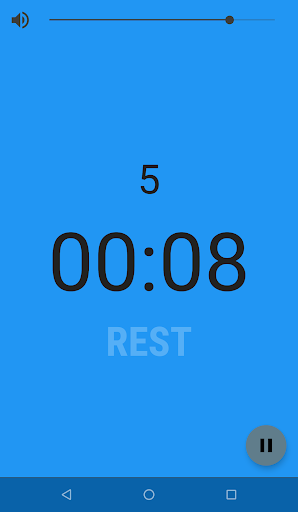
Visual and Audio Cues: Stay focused and on track with visual and audio cues that notify you when it's time to start, rest, or switch exercises. Choose from a variety of alert sounds and voice prompts to suit your preference, ensuring you stay motivated and engaged throughout your workout.
Background Operation: Run the Interval Timer in the background while using other apps, allowing you to listen to music, track your progress, or follow along with workout videos without interruption. Keep the timer running even when your device is locked, ensuring continuous tracking of your workout intervals.
Versatile Use: Perfect for a wide range of activities, including running, cycling, bodyweight exercises, yoga, and more. Use it for any workout that requires precise timing, helping you maintain consistency and effectiveness across different types of training.















