












h5gamenova
TikTok Instagram Facebook CapCut - Video Editor YouTube Duolingo - Language Lessons Google Maps Netflix Disney+ Threads Telegram Messenger
Brother iPrint&Scan

Brother iPrint&Scan

★★★★☆ 4.5
Updated
Mar 8, 2023
Developer
App Developer
OS
iOS / Android
Category
App

What do you think of this app?

Brother iPrint&Scan screenshot 1 Brother iPrint&Scan screenshot 2 Brother iPrint&Scan screenshot 3 Brother iPrint&Scan screenshot 4 Brother iPrint&Scan screenshot 5 Brother iPrint&Scan screenshot 6 Brother iPrint&Scan screenshot 7 Brother iPrint&Scan screenshot 8 Brother iPrint&Scan screenshot 9 Brother iPrint&Scan screenshot 10 Brother iPrint&Scan screenshot 11 Brother iPrint&Scan screenshot 12 Brother iPrint&Scan screenshot 13
Advertisement

Good App Guaranteed:This app passed the security test for virus, malware and other malicious attacks and doesn't contain any threats.

Description:

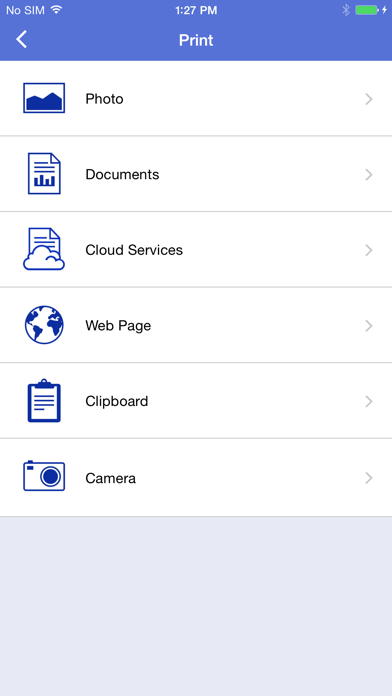
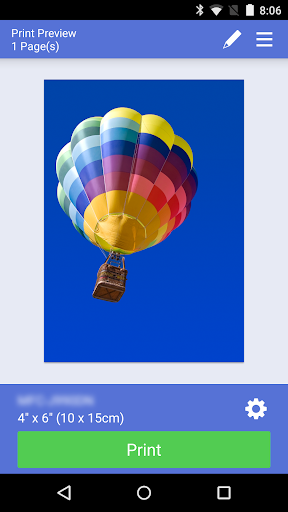
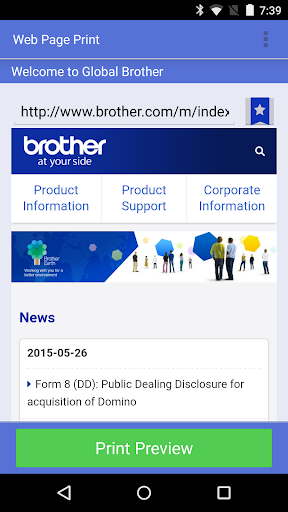
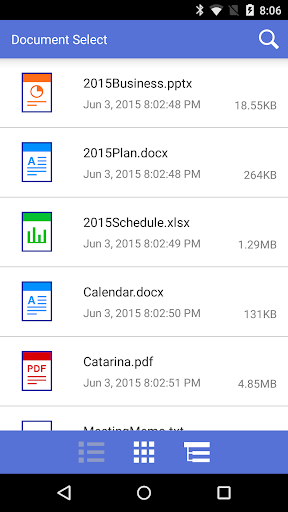
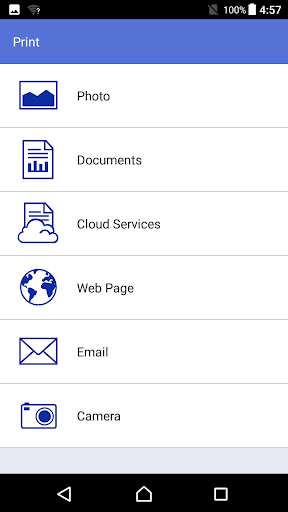
Brother iPrint&Scan is a free and convenient app that allows users to print from and scan to their Android devices without the need for a computer or additional drivers. The app connects seamlessly to Brother printers or all-in-one devices via a local wireless network, enabling users to print photos, web pages, emails, and documents directly from their mobile devices. In addition to printing, Brother iPrint&Scan offers scanning capabilities, allowing users to save scanned documents as PDF or JPEG files.

The app supports NFC functionality, enabling users to print or scan by simply holding their mobile device over an NFC mark on their Brother machine and tapping the screen. This feature requires both the mobile device and the machine to support NFC. Brother iPrint&Scan is designed to be user-friendly, making it easy to perform tasks without the need for a computer.

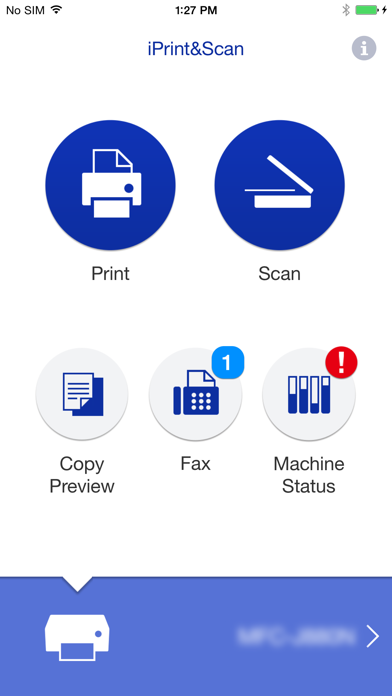
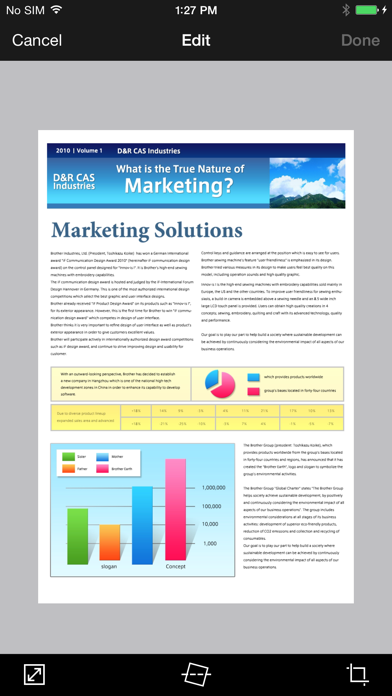
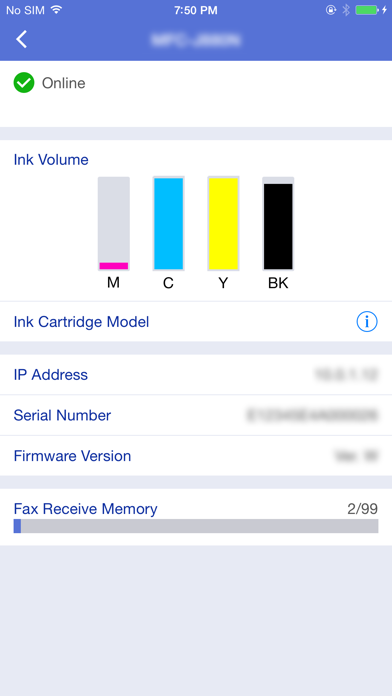
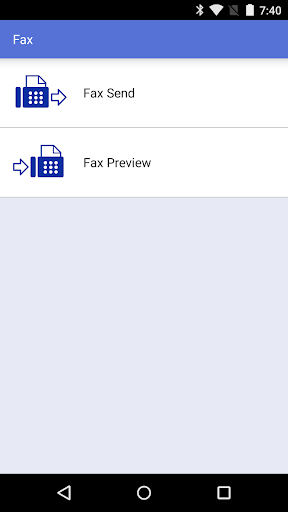
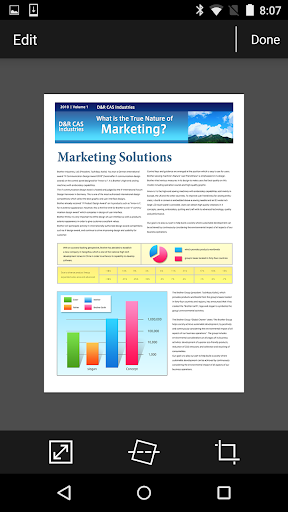
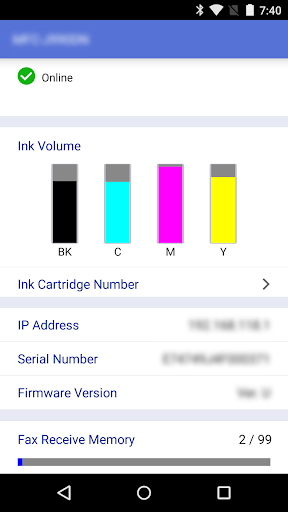
Advanced functions are available on newer Brother models, allowing users to edit previewed images, send faxes directly from their mobile devices, view received faxes stored on their machines, and preview images before copying to avoid errors. The app also provides real-time machine status updates, including ink/toner levels and error messages, directly on the mobile device. The app supports a range of print and scan settings, such as paper size, media type, document size, and scan type, ensuring compatibility with various Brother devices.

Key features include:

Wireless Printing and Scanning: Print photos, web pages, emails, and documents or scan documents directly to your Android device over a local wireless network. NFC Functionality: Print or scan by tapping your mobile device on an NFC mark on your Brother machine (NFC support required). Advanced Functions: Edit images, send and view faxes, and monitor machine status with advanced features on newer models. User-Friendly Interface: Easy to use without the need for a computer or additional drivers. Comprehensive Print and Scan Settings: Customize print and scan settings, including paper size, media type, document size, and scan type.


How to use:

  1. Download and Install: Install Brother iPrint&Scan from the Google Play Store on your Android device.
  2. Connect to Wi-Fi: Ensure your Brother printer or all-in-one device is connected to the same wireless network as your Android device.
  3. Launch the App: Open Brother iPrint&Scan and select your Brother device from the list of available printers and scanners.
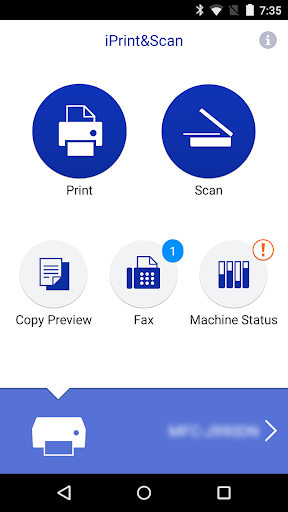
  4. Choose a Function: Select the function you wish to use—print, scan, fax, or view machine status.
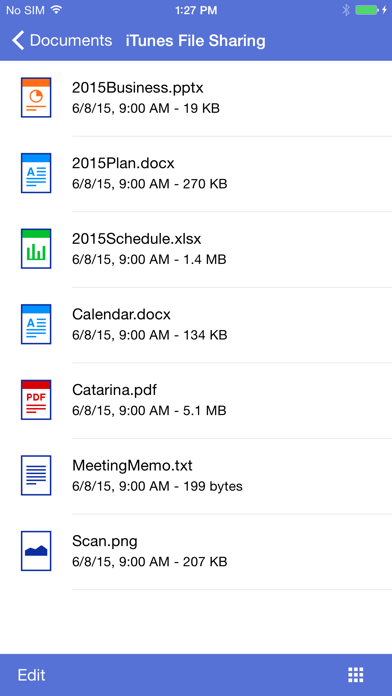
  5. Print Documents: Select the document, photo, or webpage you want to print and adjust print settings such as paper size and media type.
  6. Scan Documents: Choose the document you want to scan and select scan settings, then save the scanned document as a PDF or JPEG file.
  7. Use NFC: If supported, hold your mobile device over the NFC mark on your Brother machine to initiate printing or scanning.
  8. Advanced Functions: Access advanced features like image editing, faxing, and machine status monitoring on compatible Brother models.

Get the app

Leave a comment

Comments (0)

● iOS◆ Android
Version:
1.0.0
1.0.0
Size:
150MB
150MB
Price:
Free
Free
Released:
Jan 1, 2022
Jan 1, 2022
Updated:
Mar 8, 2023
Mar 8, 2023
Advertisement

Fun online games

Notion Evernote Microsoft Excel Microsoft PowerPoint Microsoft Word Google Drive Headspace Venmo Lyft Airbnb Starbucks Dropbox: Secure Cloud Storage LinkedIn Zelle Robinhood Orangetheory Fitness Booking













